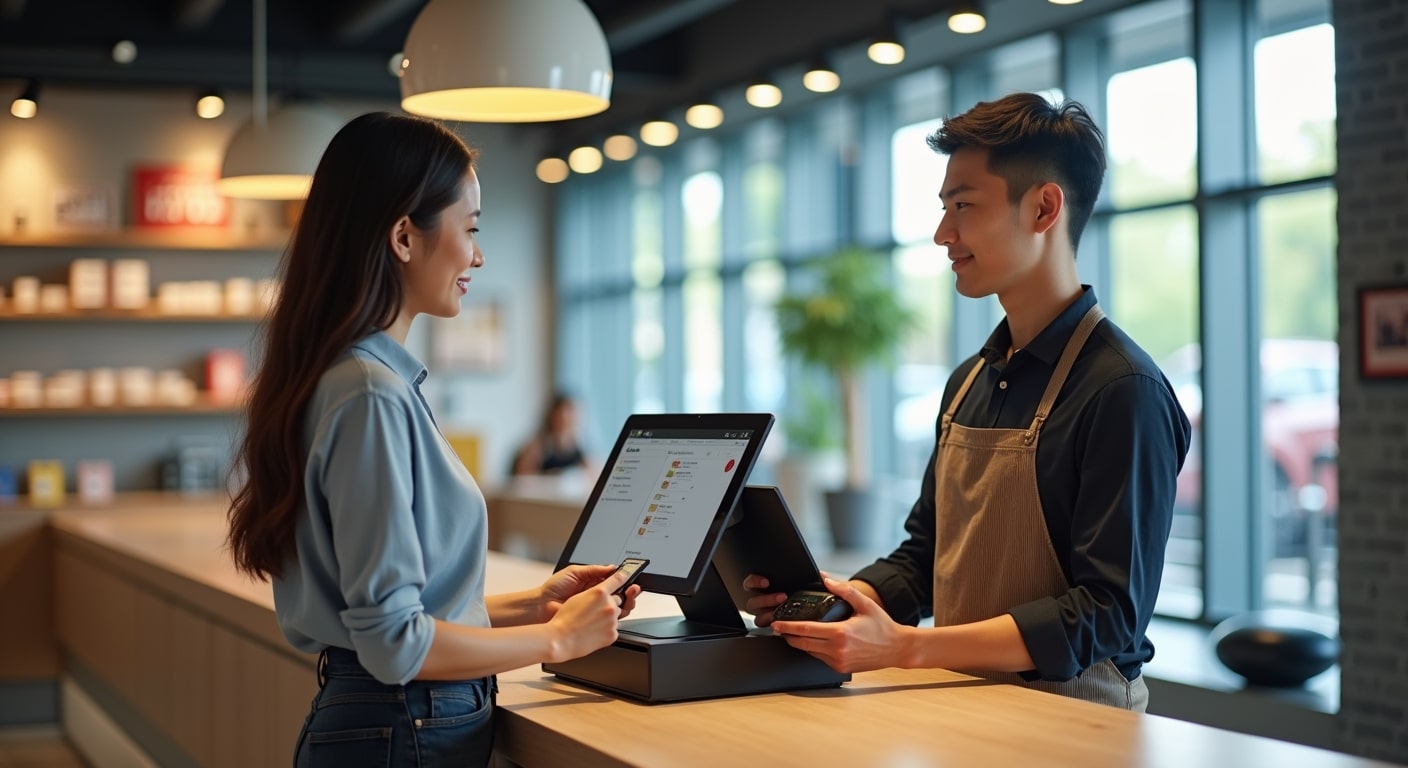
Choosing the right POS systems for Malaysian retailers is no longer just about processing payments. For today’s retail businesses, a point-of-sale system affects stock control, staff productivity, customer experience, reporting accuracy, and even tax compliance. Whether you run a minimart, fashion boutique, pharmacy, convenience store, or specialty shop, the right POS setup can help you sell faster, reduce human error, and make better business decisions.
In Malaysia, retailers also need to think about local realities such as SST requirements, eWallet acceptance, QR payments, multi-branch management, and the shift toward digital records and e-invoicing readiness. That is why selecting the right Malaysia retail POS software should be treated as a business growth decision, not just an IT purchase.
This guide compares what matters most, explains POS system Malaysia price considerations, and helps you evaluate the best options based on your store type, budget, and long-term needs.
Why Malaysian retailers need the right POS system
Many SMEs start with manual receipts, spreadsheets, or basic cash register setups. That may work in the early stage, but problems appear quickly as sales volume grows. Retailers begin facing stock discrepancies, slow checkout, poor visibility across branches, and difficulty tracking top-selling products.
A well-matched POS system solves these issues by centralising daily retail operations. It records every transaction, synchronises product data, tracks stock movement, and creates reports that help owners monitor performance in real time.
For example, a small fashion retailer in Shah Alam may need variant tracking for size and colour, while a grocery store in Johor Bahru may prioritise barcode scanning speed and supplier stock replenishment. A café-style retail kiosk in Kuala Lumpur may require tight integration with eWallet acceptance and receipt printing in a compact footprint.
The best systems also support business growth. If you plan to expand into additional branches, online selling, or loyalty programs, your POS should be able to scale without forcing a full system replacement later.
Key features to look for in a POS system in Malaysia
Not every POS is suitable for local retail operations. The best cloud POS for retail Malaysia businesses should combine core retail functionality with local compliance and payment flexibility.
Fast checkout and simple interface
Your cashier team should be able to learn the system quickly. A clean interface reduces training time, improves service speed, and lowers billing mistakes during peak hours.
Inventory management
A strong retail inventory POS Malaysia setup should track stock by SKU, barcode, category, and branch. Retailers benefit from features such as low-stock alerts, stock adjustments, supplier purchase records, and product variant management.
Multi-payment support
Customers in Malaysia increasingly expect debit card, credit card, DuitNow QR, GrabPay, Touch ‘n Go eWallet, and other digital options. POS compatibility with local payment providers is now a practical necessity, especially for urban retailers. If payment acceptance is a priority, it also helps to review payment gateway and eWallet solutions in Malaysia before deciding on a vendor.
Reporting and analytics
Good reporting should show daily sales, gross profit, staff performance, product trends, and branch comparisons. These insights help retailers make better purchasing and promotional decisions.
Customer management
Retailers who want repeat business should look for customer profiles, basic loyalty functions, purchase history, and promotional tools. This becomes more powerful when paired with CRM and POS integration for small businesses.
Hardware compatibility
Some vendors lock merchants into proprietary devices, while others support more flexible hardware such as tablets, barcode scanners, receipt printers, cash drawers, and Android terminals. Always check replacement cost, warranty terms, and local support availability.
SST compliance, e-invoicing and local tax considerations
Any serious shortlist should include SST compliant POS Malaysia capabilities. Even if your current retail setup is simple, the system should be able to generate compliant sales records, tax summaries, and item-level transaction reports.
Malaysian retailers should ask vendors whether the system can:
- Apply SST correctly by product or category
- Generate tax reports for accounting and filing
- Store transaction records in an audit-friendly format
- Support invoice and receipt customisation
- Adapt to future e-invoicing workflows or integrations
Although not every retailer may need advanced invoicing immediately, business owners should think ahead. If your company grows, sells to corporate customers, or plans tighter accounting integration, your POS should not become a compliance bottleneck.
Best POS systems for Malaysian retailers compared
There is no single best platform for every store. The right choice depends on your product mix, number of outlets, reporting needs, and budget. Below is a practical comparison framework for Malaysia retail POS software buyers.
Cloud-based SME retail POS
These systems are popular with independent retailers and growing chains because they offer remote access, centralised reporting, and easier updates. They are often ideal for boutiques, gift stores, mini markets, and multi-branch specialty retailers.
Best for: Owners who want flexibility, branch visibility, and lower IT maintenance.
Traditional on-premise POS
These systems are installed locally and may appeal to retailers who prefer a one-time licence model or have limited trust in subscription software. However, they can be harder to update and less convenient for multi-branch operations.
Best for: Single-outlet retailers with stable operations and minimal need for remote access.
Retail ERP-linked POS
Some larger retailers prefer POS systems that integrate closely with accounting, purchasing, warehousing, and head-office controls. These are usually more expensive but can support more complex stock and finance workflows.
Best for: Chain retailers, wholesalers with retail counters, and businesses with higher transaction complexity.
Mobile and tablet POS
These setups are useful for kiosks, pop-up stores, event booths, and compact retail spaces. They are often more affordable and easier to deploy, though they may have limitations depending on the software and hardware ecosystem.
Best for: Small-format retail, temporary sales setups, and low-footprint stores.
POS pricing in Malaysia: setup costs, monthly fees and hardware
When evaluating POS system Malaysia price, many retailers focus too much on the headline monthly fee. In reality, total cost includes software, hardware, onboarding, training, support, and payment processing compatibility.
Typical cost components
- Software subscription or licence fee
- POS terminal or tablet
- Barcode scanner
- Receipt printer
- Cash drawer
- Onsite setup and training
- Additional outlet or user charges
- Support and maintenance fees
For a small single-outlet retailer, entry-level cloud systems may start at relatively modest monthly rates, but total first-year cost can still increase once hardware and setup are included. Multi-branch retailers should also check whether reporting, stock transfer, or CRM features are included in the base plan or charged as add-ons.
A practical tip is to compare vendors using a 12-month total ownership estimate instead of monthly software cost alone. That gives a more realistic picture of affordability.
Cloud POS vs traditional POS for retail shops
The decision between cloud and traditional software is one of the most important choices for modern retailers.
Advantages of cloud POS
- Access reports from anywhere
- Easier software updates
- Better support for multi-branch operations
- Simpler integration with eCommerce, accounting, and CRM tools
- Lower upfront infrastructure requirements
Advantages of traditional POS
- May involve a one-time software licence
- Can continue operating locally even with internet issues, depending on setup
- Sometimes preferred by businesses with simple needs and fixed processes
For most SMEs today, cloud POS for retail Malaysia businesses offers better long-term flexibility. However, you should still confirm whether the system supports offline transaction continuity during temporary internet disruptions.
Best POS systems by retail business type
Fashion and apparel stores
Look for size and colour variants, customer profiles, return handling, promotions, and branch stock visibility. Detailed product matrix management matters here.
Minimarts and convenience stores
Prioritise barcode speed, bulk SKU support, supplier reordering, promotions, and fast checkout queues. Margin reporting is also important due to thinner profit spreads.
Pharmacies and health retail
Retailers in this segment often need stronger item tracking, expiry awareness, and more structured reporting. Depending on product categories, operational accuracy is critical.
Specialty stores and gift shops
Customer loyalty, bundled promotions, and inventory accuracy are often more valuable than advanced enterprise features.
Multi-branch retailers
Choose a platform with centralised pricing control, branch-level reporting, stock transfers, user permissions, and strong support. This is especially important if management is not always onsite.
How POS integration helps with inventory, CRM and accounting
A POS should not operate in isolation. The real business value appears when sales data connects with inventory, customer management, and finance systems.
For example, when a sale is completed, stock should update automatically. Customer purchase history can be captured for remarketing. Daily transactions can also sync to accounting software, reducing manual reconciliation at month-end.
Retailers planning digital growth should evaluate POS options alongside inventory management tools for Malaysian SMEs and broader back-office systems. This is also where small business automation tools Malaysia can reduce repetitive work such as sales summaries, purchase orders, and customer follow-ups.
If you are still building your software stack, it may help to compare solutions with a wider shortlist of best business tools for SMEs in Malaysia so your POS fits into a scalable business workflow.
Questions to ask before choosing a POS vendor
Before signing any contract, ask vendors practical questions that affect long-term usability and cost.
- Is the system suitable for my retail category and transaction volume?
- Does it support SST compliance and future e-invoicing needs?
- What hardware is required, and can I use my own devices?
- What happens if internet access goes down?
- Does the package include staff training and onboarding?
- Are there extra fees for branches, users, reports, or integrations?
- Can it integrate with accounting, CRM, and eCommerce tools?
- How responsive is local support in Malaysia?
- What is the contract period and exit policy?
Whenever possible, request a live demo using your own retail scenarios. For example, test returns, stock transfers, discount rules, and end-of-day reporting rather than only watching a generic product presentation.
How to choose the best POS system for your retail store
The best choice usually comes down to matching features with operations, not buying the platform with the longest feature list. Start by listing your actual needs in order of importance: checkout speed, inventory accuracy, tax compliance, branch visibility, customer loyalty, or accounting integration.
Then evaluate each vendor across five criteria:
- Retail fit: Does it suit your business model and product complexity?
- Local readiness: Does it support Malaysian payment methods, SST, and reporting expectations?
- Scalability: Will it still work if you add branches, online sales, or more staff?
- Cost clarity: Are all setup, hardware, and monthly fees transparent?
- Support quality: Can you get timely help when operations are affected?
If you are still early in your evaluation process, you may also want to review how to choose software for your retail business to avoid buying tools that look good in a demo but create friction in daily operations.
For retailers with no defined software ecosystem yet, your POS can become the foundation of a smarter, more connected business. That makes the selection process worth doing properly.
Make your POS investment work beyond checkout
A POS system should help you do more than print receipts. The right platform can improve stock visibility, support local payment preferences, simplify compliance, and create a more efficient retail operation overall. For Malaysian SMEs, that can mean fewer stock errors, better customer service, and stronger decision-making from accurate sales data.
If you are comparing options now, shortlist vendors based on your store format, total cost, integration capability, and local support quality rather than feature count alone. A well-chosen system often pays for itself through time savings, better inventory control, and fewer costly mistakes.
For more practical SME software buying guides, explore our Tools & Software resources to compare systems more confidently and choose platforms that support real business growth.
Frequently asked questions
What is the best POS system for small retailers in Malaysia?
The best system for a small retailer depends on product type, outlet size, and reporting needs. In general, small retailers benefit most from cloud-based systems that offer easy checkout, inventory tracking, local payment support, and simple monthly pricing. A boutique may need strong variant management, while a minimart may prioritise barcode speed and supplier stock control.
How much does a POS system cost in Malaysia?
POS costs in Malaysia typically include software fees, hardware, setup, training, and support. Small retailers may start with a lower monthly subscription, but first-year cost rises when tablets, receipt printers, scanners, and onboarding are included. Always compare total 12-month cost, not just the base package price.
Do Malaysian POS systems support SST compliance?
Many modern POS platforms in Malaysia do support SST reporting and tax configuration, but capability varies by vendor. Before subscribing, confirm that the system can apply SST correctly, generate proper reports, maintain transaction records, and support any future e-invoicing or accounting integration needs.