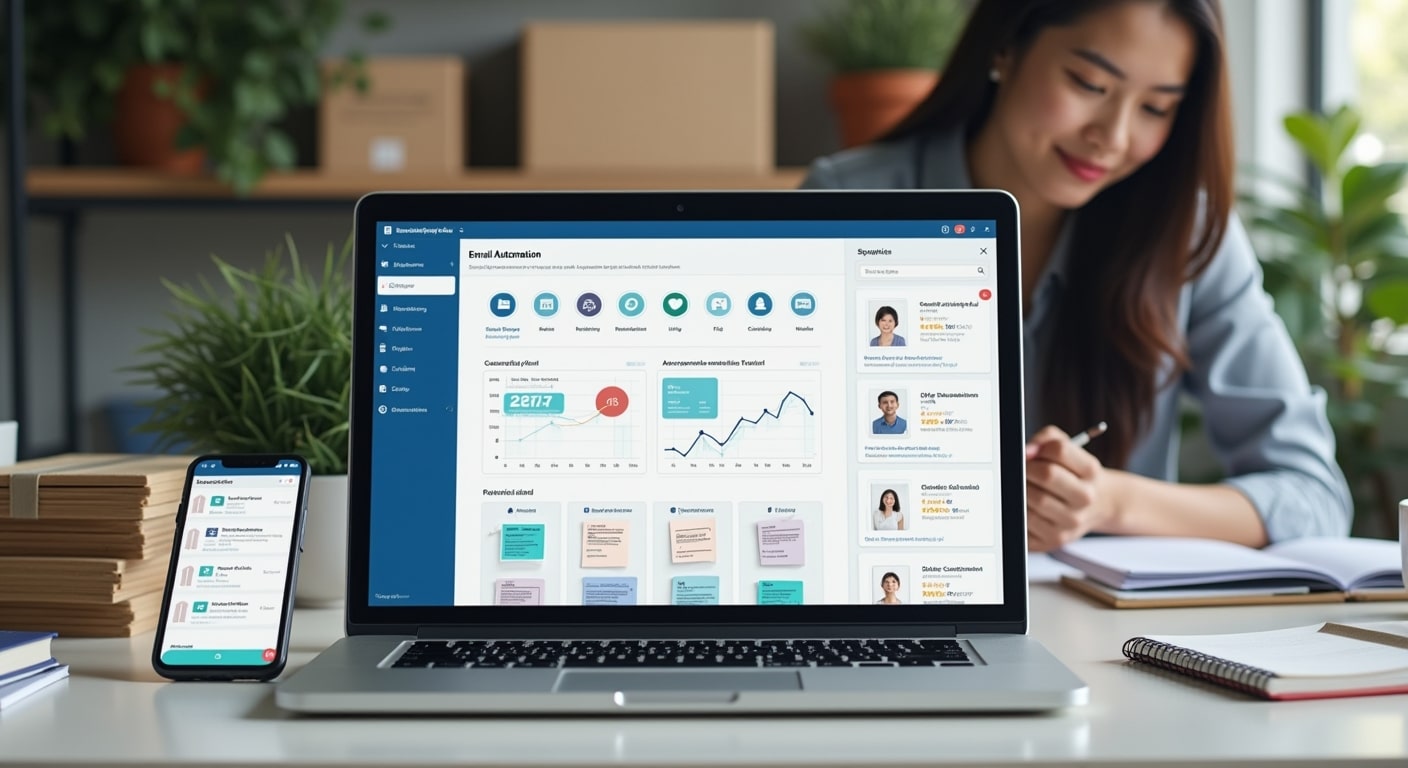
Email automation examples help small businesses turn one-off emails into repeatable systems that save time, improve follow-up, and increase conversions. The most useful workflows include welcome series, abandoned cart reminders, lead nurturing emails, review requests, and post-purchase follow-ups that are triggered by customer actions instead of sent manually.
- Welcome email series for new subscribers
- Lead magnet delivery and follow-up emails
- Abandoned cart email sequence
- First purchase follow-up emails
- Appointment reminder emails
- Quote or enquiry follow-up emails
- Customer re-engagement emails
- Review request emails
- Upsell and cross-sell email flows
- Birthday or anniversary emails
For a broader foundation, start with this email marketing guide. If you are new to workflows and triggers, it also helps to understand marketing automation basics for SMEs before building more advanced sequences.
In practice, small business email automation works best when each email is tied to a specific moment in the customer journey: a sign-up, a purchase, an enquiry, a missed booking, or a period of inactivity. That is what makes automated email examples effective. They are timely, relevant, and based on behaviour rather than guesswork.
Concise answer: Email automation is the use of triggered emails and pre-built workflows to send the right message automatically when someone takes an action or reaches a milestone. For small businesses, common automations include welcome series, follow-up emails, abandoned cart reminders, and post-purchase campaigns that improve consistency and sales.
What Is Email Automation?
How email automation works for small businesses
Email automation sends emails automatically based on rules, timing, or customer behaviour. Instead of manually emailing every lead or customer, you create an email workflow once and let your system send messages when a trigger happens.
Common triggers include:
- Someone joins your email list
- A customer downloads a guide or coupon
- A shopper adds products to cart but does not check out
- A lead submits a contact form
- A customer completes a purchase
- A client books an appointment
- A subscriber becomes inactive for a set period
This is a core part of customer journey automation. A bakery, clinic, service agency, online shop, or B2B supplier can all use triggered emails to reduce manual work while maintaining personalised email campaigns.
Why automated emails save time and improve conversions
Manual follow-up often breaks down when a team is busy. Leads sit unanswered, customers forget about their cart, and past buyers never hear from you again. Automated email examples solve this by making follow-up consistent.
They also improve conversions because timing matters. A welcome series sent immediately after sign-up usually performs better than a general newsletter sent weeks later. An abandoned cart email works because it reaches the buyer while purchase intent is still high. A re-engagement campaign gives inactive subscribers a reason to return before they forget your brand completely.
Benefits of Using Email Automation for Small Businesses
Improved lead nurturing
Many small businesses are not losing leads because the offer is poor. They lose leads because there is no structured follow-up. A lead nurturing sequence keeps your business visible while helping prospects move from awareness to decision.
If you need to connect automation to funnel stages, it helps to build a marketing funnel for SMEs so each workflow supports a clear business goal.
Better customer retention
Retention often comes from simple, timely communication: onboarding emails, helpful usage tips, reminders, and reorder suggestions. These email marketing automation examples keep customers engaged after the first sale instead of treating purchase as the end of the relationship.
More consistent follow-up
Consistency builds trust. When every enquiry gets a follow-up, every buyer receives confirmation, and every new subscriber gets a proper introduction, your business feels more organised and responsive.
Higher sales with less manual work
Good email marketing workflows continue selling in the background. That does not mean they replace human sales conversations. It means they handle repeatable touchpoints so your team can focus on higher-value work.
Email Automation Examples for Small Businesses
Welcome email series
One of the best welcome email automation examples is a 3-email series:
- Email 1: Welcome and set expectations
- Email 2: Introduce your best product, service, or resource
- Email 3: Share proof, FAQs, or a first-step offer
Why it works: new subscribers are most engaged right after sign-up. A welcome series makes a strong first impression and guides them toward action.
Example: a local gym sends a welcome email with class schedules, a second email with beginner tips, and a third email offering a trial session.
Lead magnet delivery emails
When someone downloads a checklist, template, catalogue, or pricing guide, the first email should deliver the promised resource immediately. But the automation should not stop there.
A simple follow-up flow can include:
- The delivery email
- A follow-up asking whether they found it useful
- An email that explains the next step
- A soft call to book a consultation or request a quote
This is one of the most practical lead nurturing email examples because it connects interest to action.
Abandoned cart email sequence
Cart abandonment email examples usually work best as a short sequence rather than a single reminder:
- First reminder within a few hours
- Second reminder the next day, possibly addressing common objections
- Final reminder with urgency if appropriate
Why it works: shoppers often leave because they were distracted, not because they rejected the product. Abandoned cart emails bring them back while intent is still warm.
For ecommerce brands, this is often one of the highest-impact automations to set up first.
First purchase follow-up emails
Post-purchase emails are not just receipts. A better workflow can include:
- Order confirmation
- Shipping or fulfilment update
- Product usage tips
- Review request
- Relevant cross-sell recommendation
Why it works: the customer is already engaged. Good post-purchase emails reduce uncertainty, improve satisfaction, and create repeat purchase opportunities.
Appointment reminder emails
This is especially useful for clinics, consultants, salons, tuition centres, and service businesses. A basic sequence includes:
- Booking confirmation
- Reminder 24 to 48 hours before
- Same-day reminder if appropriate
- Post-appointment follow-up
These automated email examples reduce no-shows and make operations smoother.
Quote or enquiry follow-up emails
Many leads request information and then go quiet. Instead of relying on memory, automate a short sequence after a form submission or quote request.
A simple flow might be:
- Immediate confirmation that the enquiry was received
- Follow-up after 1 to 2 days with useful information
- Another follow-up a few days later asking if they have questions
This works well for agencies, contractors, training providers, and B2B businesses.
Customer re-engagement emails
If someone has not opened emails or purchased in a while, a re-engagement campaign can try to win them back. It may include:
- A reminder of the value you provide
- Updated products or services
- A special offer if suitable
- An option to update preferences
Why it works: not every inactive contact is lost. Some just need a relevant reason to return.
Review request emails
Review request emails are most effective when sent after a positive delivery or service moment. Timing matters. Ask too early and the customer has no experience yet. Ask too late and they forget.
Example: a home cleaning company sends a feedback email the day after service, followed by a review request if the rating is positive.
Upsell and cross-sell email flows
These email workflow examples recommend complementary products or higher-tier services based on what someone already bought. The key is relevance.
Example: a laptop buyer receives an email about accessories. A business software customer receives an offer for onboarding support or premium features.
If the recommendation feels generic, it will underperform. If it solves an obvious next need, it can be highly effective.
Birthday or anniversary emails
These are simple but useful behavior-based emails for loyalty and retention. They can celebrate:
- A customer birthday
- A membership anniversary
- A first-purchase anniversary
These campaigns work best when the message feels genuine rather than promotional.
How to Choose the Right Email Automation Workflows
Match workflows to your business model
Not every business needs the same automations. Ecommerce brands should usually prioritise cart abandonment, post-purchase emails, and product recommendations. Service businesses often benefit more from enquiry follow-up, booking reminders, and review requests. B2B firms may focus on lead nurturing sequence emails and consultation booking follow-ups.
Start with high-impact automations first
The best starting point is usually the workflow tied to the clearest business value. For most SMEs, that means one of three things:
- Welcome series for new leads
- Quote or enquiry follow-up
- Abandoned cart emails for ecommerce
These are easier to implement and directly connected to conversions.
Use triggers, timing, and segmentation properly
Strong small business email automation depends on three basics:
- Triggers: what starts the workflow
- Timing: when each email should be sent
- Segmentation: who should receive it
Email segmentation matters because new leads, repeat buyers, and inactive subscribers should not get the same messaging.
Best Practices for Effective Email Automation
Write clear subject lines
Your subject line should tell the reader what to expect. Clarity usually beats cleverness, especially in transactional or follow-up emails.
Keep messaging relevant and timely
Automation works because it is event-driven. If the timing is off or the content does not match the trigger, the email feels automated in the worst way.
For practical guidance on campaign structure and workflows, the Mailchimp Marketing Library is a useful reference.
Personalise based on user behaviour
Personalisation is more than using a first name. Better forms include:
- Products viewed or purchased
- Type of lead magnet downloaded
- Pages visited
- Stage in the buying journey
This is what makes personalised email campaigns feel useful instead of generic.
Test and optimise email performance
Monitor performance and improve over time. Test one variable at a time, such as subject lines, send delays, calls to action, or the number of emails in a drip campaign.
If you are expanding beyond email alone, this guide to marketing automation for small businesses in Malaysia can help you connect email with wider processes.
Common Email Automation Mistakes to Avoid
Sending too many emails
More emails do not automatically mean better results. Too many messages can reduce trust, increase unsubscribes, and hurt response rates.
Using the same workflow for every audience
A new lead and an existing customer have different needs. Reusing the same copy for everyone weakens relevance and lowers conversions.
Ignoring mobile-friendly design
Many emails are opened on phones. Keep layouts clean, subject lines concise, buttons easy to tap, and paragraphs short.
Failing to track results
If you do not track performance, you cannot improve it. Review open rates, click rates, conversions, unsubscribes, and the business outcome tied to each workflow.
For broader measurement and content quality context, Google Search Central is a useful authority resource.
Tools Small Businesses Can Use for Email Automation
Features to look for in an automation platform
When reviewing automation tools, look for:
- Visual workflow builder
- Trigger-based automations
- Segmentation options
- Email templates
- Reporting and conversion tracking
- CRM or ecommerce integrations
- Lead capture form support
The right tool depends on your business size, sales cycle, and whether you need only email or broader marketing automation tools.
When to upgrade from basic email marketing tools
If your current platform only sends newsletters and cannot handle triggered emails, branching logic, or behaviour-based emails, it may be time to upgrade. This is especially true when your list grows or your follow-up process becomes harder to manage manually.
If you are comparing platforms, read how to choose marketing automation software before committing.
You can also review general marketing benchmarks and email context at HubSpot Marketing Statistics, though your own campaign data should guide final decisions.
How to Get Started With Email Automation
Map your customer journey
List the key moments where customers need information, reassurance, or a reminder. These moments usually become your first triggers.
Create your first automated sequence
Start simple:
- Choose one workflow with clear value
- Define the trigger
- Write 2 to 4 emails
- Set delays between emails
- Add one clear call to action per message
- Test the full sequence before launch
A welcome series or enquiry follow-up is usually the easiest place to begin.
Measure opens, clicks, and conversions
Do not judge success only by opens. Track what matters to the workflow:
- Welcome series: sign-ups to first action
- Cart recovery: recovered orders
- Lead nurturing: booked calls or replies
- Review requests: review completion rate
- Re-engagement: reactivated contacts
FAQ
What are the best email automation examples for small businesses?
The best email automation examples for small businesses are welcome series, lead magnet delivery emails, abandoned cart reminders, enquiry follow-ups, appointment reminders, post-purchase emails, review requests, and re-engagement campaigns. These workflows are practical because they support real customer actions and common sales processes.
How does email automation help small businesses grow?
Email automation helps small businesses grow by making follow-up faster, more consistent, and more relevant. It saves manual time, improves lead nurturing, supports retention, and creates more chances to convert leads and repeat customers.
Which emails should a small business automate first?
Most small businesses should automate a welcome series first, then add enquiry follow-ups or abandoned cart emails depending on the business model. Start with the workflow most closely tied to leads or revenue.
What is the difference between email automation and email newsletters?
Email automation is triggered by actions, timing, or behaviour, while newsletters are usually sent manually to a larger audience on a schedule. Automation is personalised and event-driven. Newsletters are broader and campaign-based.
Can small businesses use email automation without expensive software?
Yes. Many platforms offer entry-level automation features such as welcome emails, simple drip campaigns, and basic segmentation. Small businesses can start with a limited setup and upgrade when they need more advanced workflows.
How many emails should be in an automated email sequence?
It depends on the goal. A simple welcome flow may need 3 emails, while lead nurturing or re-engagement may need more. Start with the minimum number needed to move the reader to the next step without overwhelming them.
What metrics should I track for email automation campaigns?
Track open rate, click-through rate, conversion rate, unsubscribe rate, and the business result tied to the workflow, such as bookings, purchases, replies, or recovered carts. Conversion metrics matter most because they show whether the automation is driving outcomes.
Conclusion
The best email automation examples are not the most complex ones. They are the workflows that match real customer moments and solve real follow-up problems. For most SMEs, that means starting with a welcome series, enquiry follow-up, post-purchase emails, or abandoned cart recovery, then expanding as your process matures. When triggers, timing, and segmentation are set up properly, email automation becomes one of the simplest ways to improve consistency and grow revenue without adding more manual work.